Flexible Orchestration
Chain any mix of processors in a single execution. Conditional jump with GO_TO_TASK, loop with programmatic break / continue via loop_condition, or branch on LLM output — all in YAML, no code required.
MCP Tool Server · Task Orchestration · LLM-Native · Portable Headless Runtime
PETP is a pipeline execution runtime that exposes every automation as a typed MCP tool. AI agents can discover, invoke, and chain your real business operations — while processors inside each task can call LLMs themselves for intelligent decision-making. Author and test flows visually in the desktop GUI, then run them anywhere with the split-out portable runtime — a self-contained, lightweight engine that executes a single flow headless (including browser automation), making it a natural fit for RPA. With built-in OCR, captcha handling, and conditional flow control.
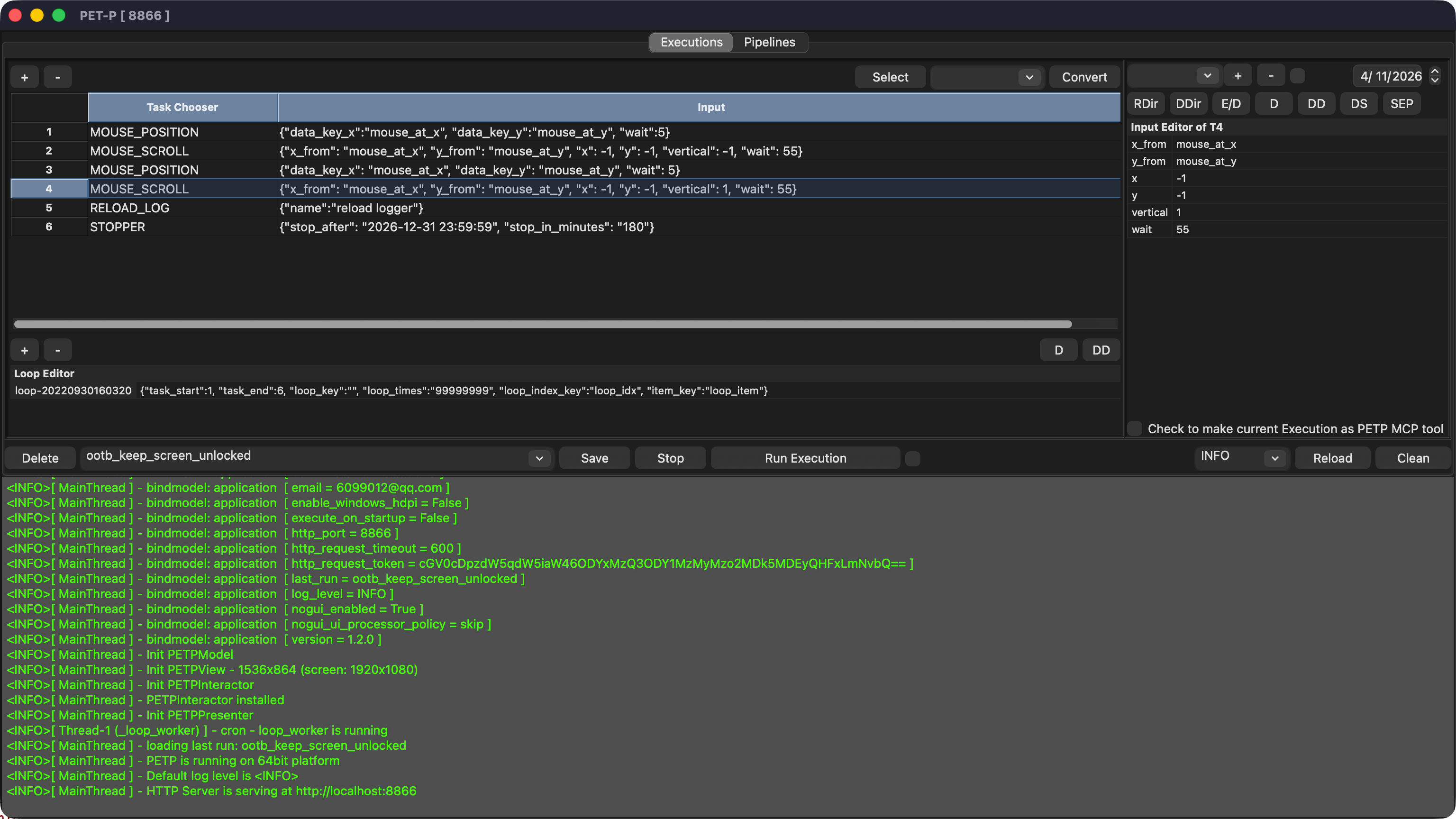
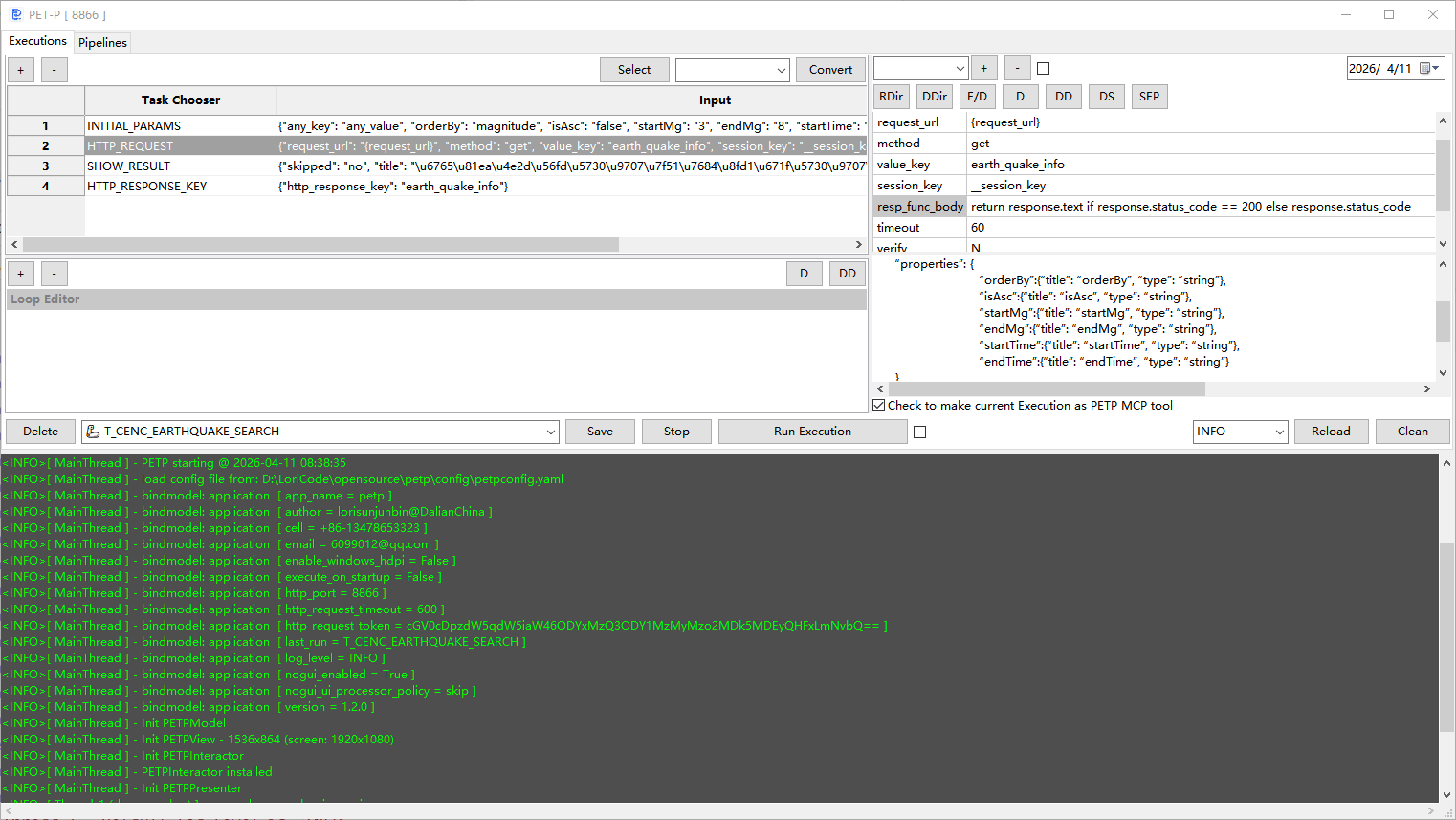


Configure tasks visually in GUI or write YAML directly
Desktop, headless service, or Docker container
Expose as MCP tools for AI agents to discover and invoke
Chain any mix of processors in a single execution. Conditional jump with GO_TO_TASK, loop with programmatic break / continue via loop_condition, or branch on LLM output — all in YAML, no code required.
Any task step can invoke an LLM processor: summarise, classify, generate, or decide. Results flow as variables into downstream steps.
Run a personal assistant on your laptop, or deploy enterprise tool-sets on Docker. Same engine, same YAML, different scale.
GUI editor with full undo / redo and snapshot history. 5 color themes including System (auto-follows OS dark / light mode). Status bar shows execution events in real time — start, done with duration, errors, and manual stops. Search & highlight logs (Ctrl+F). Right-click the task grid for processor usage and reference lookup.
Generate and modify task flows through natural language. Multi-turn chat with LLM, expandable Processor browser with search, selective context to save tokens. One-click MCP tool description generation with smart merge. AI-powered error analysis with fix suggestions. Vision model support for image understanding via Ollama. Supports 11 LLM providers — only ai_provider config needed.
A self-contained, lightweight task-processing engine split out of PETP — runs a single Execution headless (including Selenium browser automation), decoupled from the GUI and HTTP layers. Ideal for RPA: author and test the flow visually in the PETP desktop GUI, then run it lightweight in portable/. cp -r it into any Python project (from portable.petp_run import run) or cf push it to Cloud Foundry. The engine and YAML format are shared, so a GUI-authored Execution runs unchanged — no conversion.
Tell AI what you want in natural language — create new or modify existing Execution flows through multi-turn chat.
AI builds task flows from 80+ processor types. Browse, search, and selectively include processor context to save tokens.
One-click MCP tool description generation. Auto-extracts input/output schema and generates agent-friendly descriptions. Smart merge preserves existing config.
When execution fails, AI analyzes the error in context — pinpoints root cause, suggests fixes, and opens AI Assist pre-filled with the diagnosis.
Download sourcing request documents, merge contracts by creation date, classify by type using LLM, then send a summary email — all triggered by a single Claude message.
Pull data from multiple spreadsheets via SSH/SFTP, merge and pivot, call an LLM to write the executive summary section, and export as a final Excel report.
Expose CI pipeline triggers, deployment scripts, log fetchers, and health-checks as MCP tools. Let Copilot or a chat agent coordinate complex release workflows.
A lightweight personal MCP tool-set on your MacBook: web scraping, local file management, calendar data extraction, and LLM-powered daily brief generation.
Use OCR to extract text from scanned documents or screen captures, and the CAPTCHA processor to handle login gates. Combine with Selenium and GO_TO_TASK to automate form workflows end-to-end — retrying on failure without writing a line of code.
Deploy PETP as a Docker-based MCP Tool Server on your NAS. Connect from on-device AI apps (e.g. LSnote with Gemma 4 on-device model) to call tools on demand — web scraping, document processing, email sending — all without cloud round-trips.
Define a complete automation in YAML — no code, no SDK, just declare what to do.
execution: DAILY_REPORT
astool: true
mcp_desc: '{"desc":"Generate daily report","params":["date"]}'
list:
  - type: HTTP_REQUEST
    input: '{"url":"https://api.example.com/data?date={date}"}'
  - type: AI_LLM_QANDA
    input: '{"prompt":"Summarize: {http_response}"}'
  - type: SEND_EMAIL
input: '{"to":"team@co.com","body":"{llm_answer}"}'Define executions in YAML, start the MCP server, and any LLM agent can immediately discover and orchestrate your real-world workflows. No SDK. No boilerplate.